系列索引:AFSIM入门教程索引
在AFSIM入门教程03.01:Windows下编译中完成了Windows下编译。本文试试在Linux PC上编译。官方没有提供Linux版预编译打包的库,所以我们要自己编译第三方库,为了减少工作量,此时我们不对第三方库版本进行调整。
环境
准备一个干净的Linux环境,最常用的就是ubuntu,一般都是虚拟机安装一个。
安装Ubuntu 20.04.6 LTS,系统更新到最新。这里选择20.04,主要是为了系统自带的gcc9,而选择gcc9是因为编译需要。新版本容易出问题。
编译环境
安装编译软件包
1
2
3
4
5
6
7
8
9
10
11
12
| sudo apt update
sudo apt upgrade
sudo apt-get install -y build-essential cmake wget perl \
python3 python3-pip automake gcc make ccache git \
libgl1-mesa-dev libglu1-mesa-dev freeglut3-dev \
libx11-dev libxext-dev libxrandr-dev libxi-dev \
libxcursor-dev libxt-dev libpng-dev libjpeg-dev \
libtiff-dev libfreetype6-dev libfontconfig1-dev \
libssl-dev libcurl4-openssl-dev libsqlite3-dev \
libexpat1-dev libxml2-dev \
libpcre3-dev bison \
libxkbcommon-dev libxkbcommon-x11-dev libharfbuzz-dev
|
所有afsim需要的库全部自己编译。
依赖库
官方提供的依赖库名称、版本;Linux版对应名称、版本;库使用情况如下表所示。
2025.06.21检测
| 名称 | 版本 | 使用 |
|---|
| curl | 7.79.1 | √ |
| freetype | 2.9.1 | √ |
| ffmpeg | 4.2.4 | √ |
| gdal | 3.3.2 | √ |
| geos | 3.5.1 | √ |
| gsl | 2.1 | |
| gtest | 1.8.0 | √ |
| jpeg | 9d | √ |
| libpng | 1.6.37 | √ |
| osg | 3.6.3 | √ |
| osgEarth | 2.10.1 | √ |
| proj | 8.1.1 | √ |
| protobuf | 3.6.1/3.7.1/3.9.1 | |
| pybind11 | 2.6.2 | |
| qt | 5.12.11 | √ |
| sdl | 2.0.16 | √ |
| sqlite | 3.32.3 | √ |
| tiff | 4.3.0 | √ |
| tinyxml2 | 7.1.0 | √ |
| yasm | 1.3.0 | |
| zlib | 1.2.11 | √ |
| zmq | 4.3.1/4.3.2 | |
下载
下载用到的库
1
2
3
4
5
6
7
8
9
10
11
12
13
14
15
16
17
| https://github.com/curl/curl/releases/download/curl-7_79_1/curl-7.79.1.tar.gz
https://github.com/gwaldron/osgearth/archive/refs/tags/osgearth-2.10.1.tar.gz
https://github.com/FFmpeg/FFmpeg/archive/refs/tags/n4.2.4.tar.gz
https://github.com/google/googletest/archive/refs/tags/release-1.8.0.tar.gz
https://github.com/OSGeo/gdal/releases/download/v3.3.2/gdal-3.3.2.tar.gz
https://github.com/libgeos/geos/archive/refs/tags/3.5.1.tar.gz
https://github.com/libjpeg-turbo/libjpeg-turbo/releases/download/2.1.2/libjpeg-turbo-2.1.2.tar.gz
https://github.com/openssl/openssl/releases/download/openssl-3.1.1/openssl-3.1.1.tar.gz
https://github.com/openscenegraph/OpenSceneGraph/archive/refs/tags/OpenSceneGraph-3.6.3.tar.gz
https://github.com/OSGeo/PROJ/releases/download/8.1.1/proj-8.1.1.tar.gz
https://github.com/pnggroup/libpng/archive/refs/tags/v1.6.37.tar.gz
https://github.com/libsdl-org/SDL/archive/refs/tags/release-2.0.16.tar.gz
https://github.com/sqlite/sqlite/archive/refs/tags/version-3.32.3.tar.gz
https://gitlab.com/libtiff/libtiff/-/archive/v4.3.0/libtiff-v4.3.0.tar.gz
https://github.com/leethomason/tinyxml2/archive/refs/tags/7.1.0.tar.gz
https://github.com/madler/zlib/archive/refs/tags/v1.2.11.tar.gz
https://sourceforge.net/projects/tcl/files/Tcl/8.6.15/tcl8.6.15-src.tar.gz/download
|
将源码压缩包放置于脚本目录。
编译
查看sh
将其切换为bash
1
2
3
4
| sudo dpkg-reconfigure dash
sudo unlink /bin/sh
sudo ln -s /bin/bash /bin/sh
ls -l /bin/sh
|
编译
1
| SKIP_DOWNLOAD=1 CXXABI_LEGACY=0 ./build_3rdparty_linux.sh ./3rdparty
|
脚本自动解压、编译库、编译AFSIM源码。
编译中
1
2
3
4
5
6
7
8
9
10
11
12
13
14
15
16
17
18
19
20
21
22
23
| [INFO] jpeg 已安装,跳过
[INFO] 解压: libpng-1.6.37.tar.gz
[INFO] libpng 安装完成
[INFO] 解压: libtiff-v4.3.0.tar.gz
[INFO] tiff 安装完成
[INFO] 解压: sqlite-version-3.32.3.tar.gz
[INFO] sqlite 安装完成
[INFO] 解压: freetype-2.9.1.tar.gz
[INFO] freetype 安装完成
[INFO] 解压: tinyxml2-7.1.0.tar.gz
[INFO] tinyxml2 安装完成
[INFO] 解压: curl-7.79.1.tar.gz
[INFO] curl 安装完成
[INFO] 解压: proj-8.1.1.tar.gz
[INFO] proj 安装完成
[INFO] 解压: geos-3.5.1.tar.gz
Can't fetch local revision (neither .svn nor .git found)
#define GEOS_SVN_REVISION 0
Wrote rev '0' in file './geos_svn_revision.h'
[INFO] geos 安装完成
[INFO] 解压: gdal-3.3.2.tar.gz
[INFO] gdal 安装完成
[INFO] 解压: OpenSceneGraph-OpenSceneGraph-3.6.3.tar.gz
|
编译的库目录
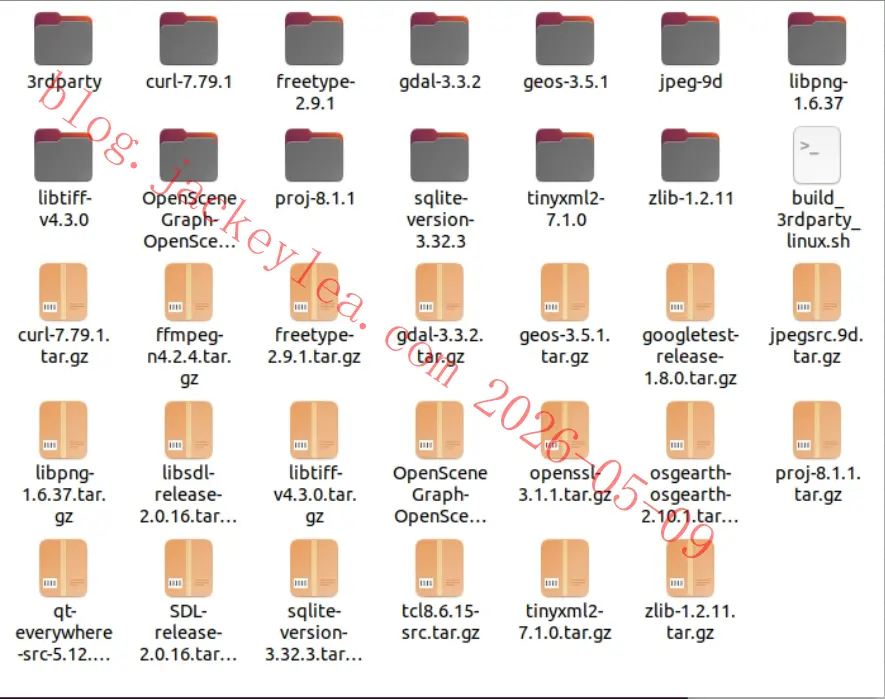
库编译完成
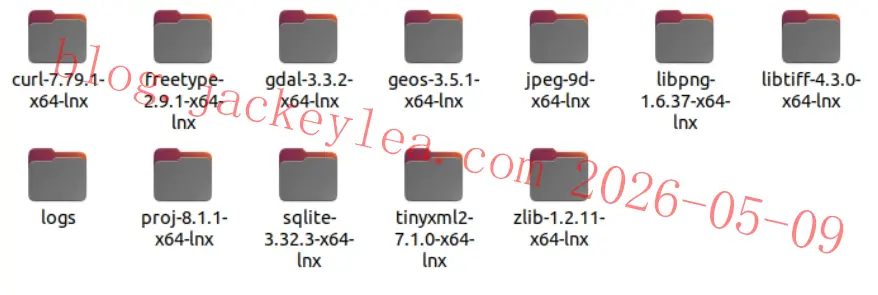
库编译完成后自动编译AFSIM
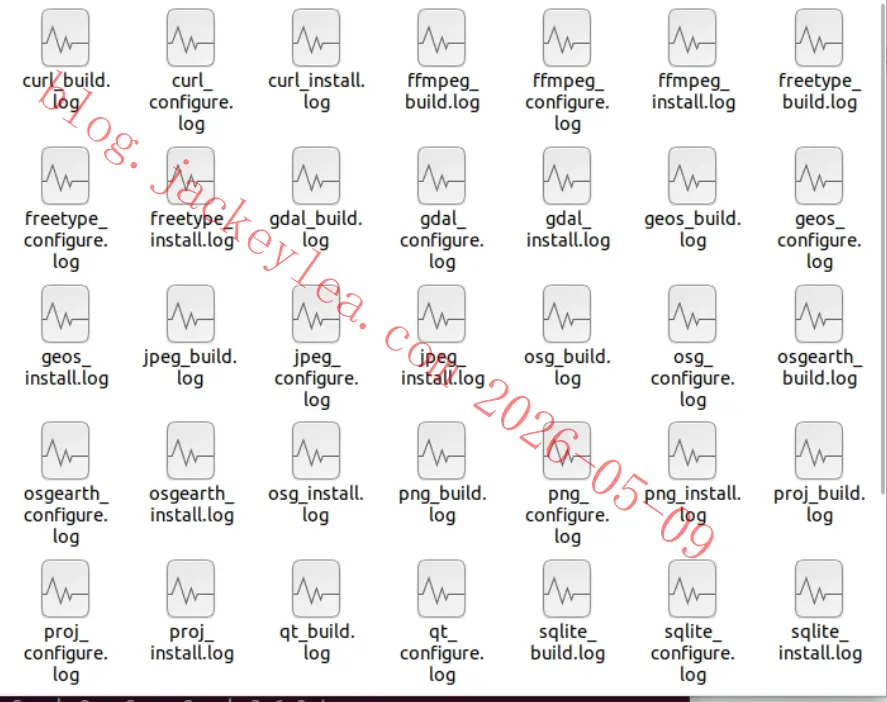
编译日志位于3rdparty目录,用于排查错误
AFSIM编译结果
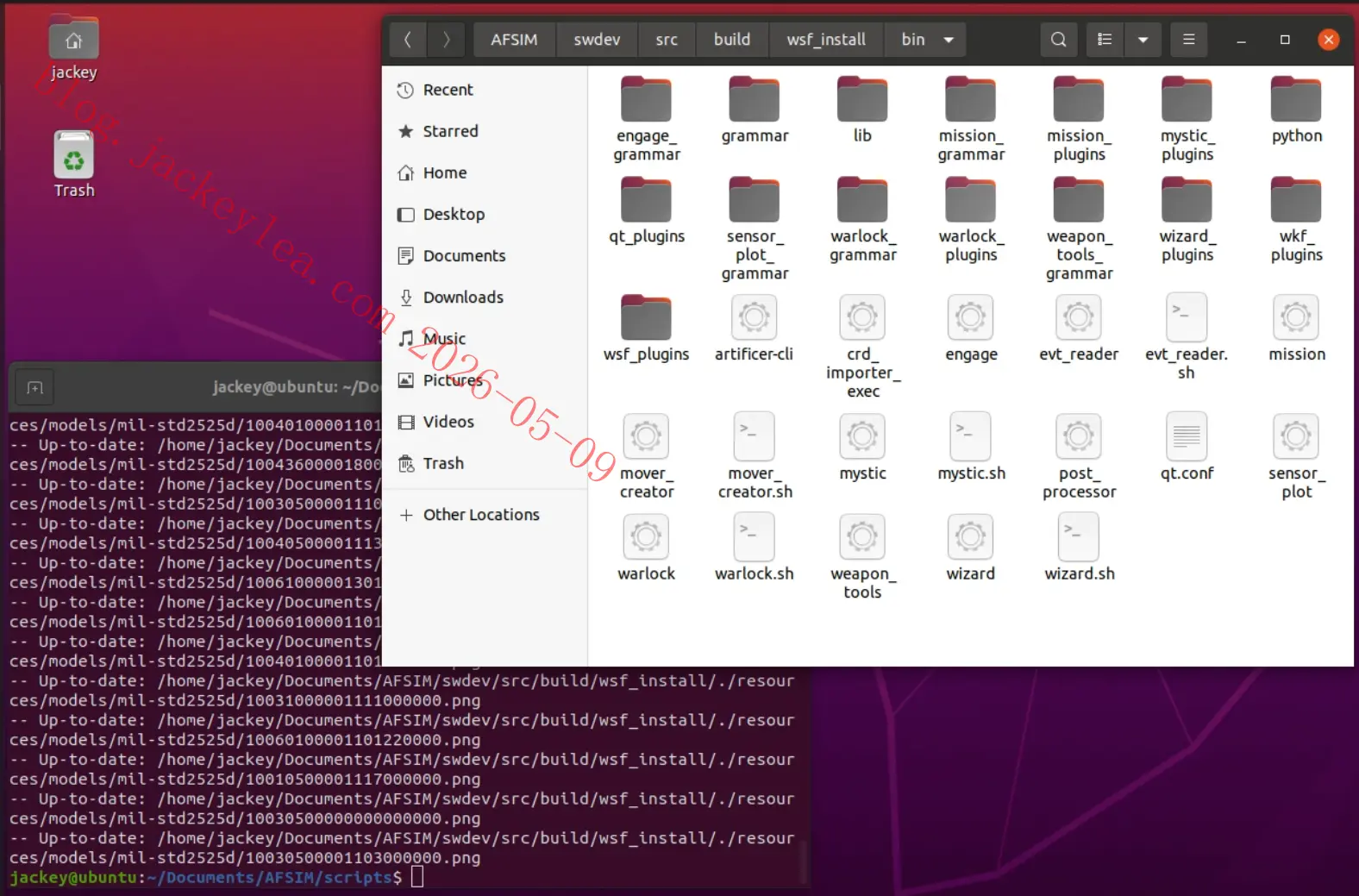
运行evt reader
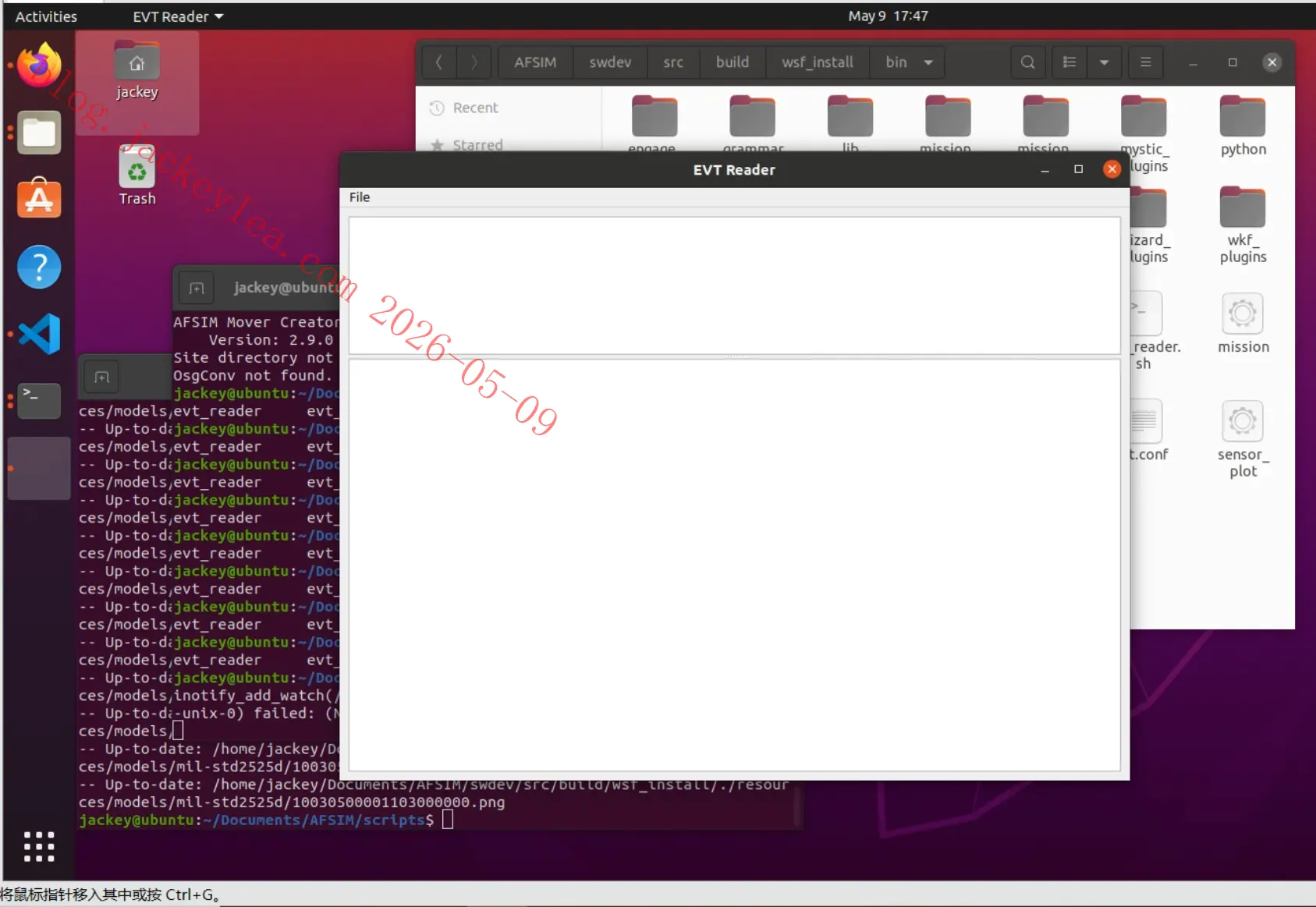
运行mover creator
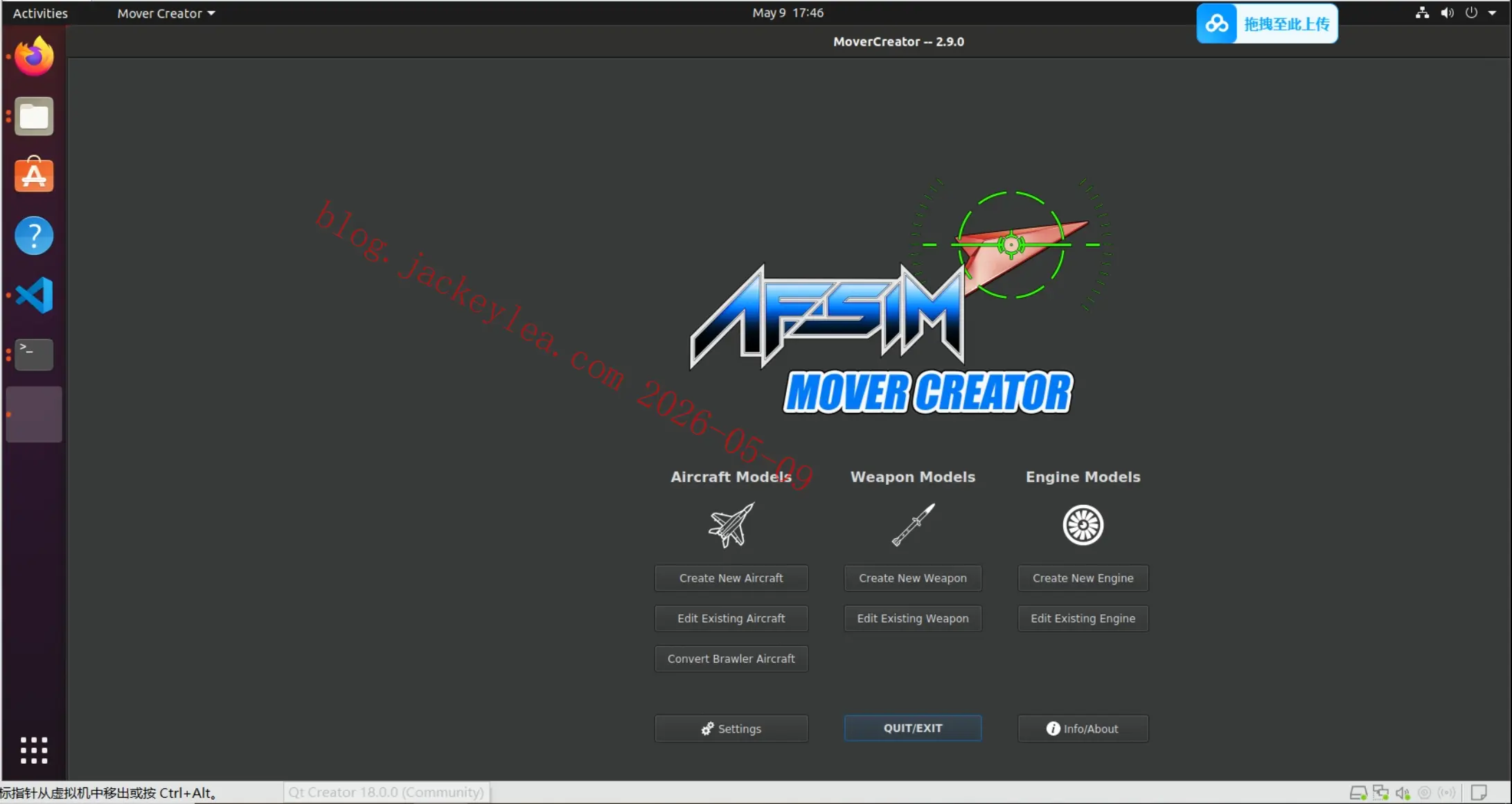
运行mystic
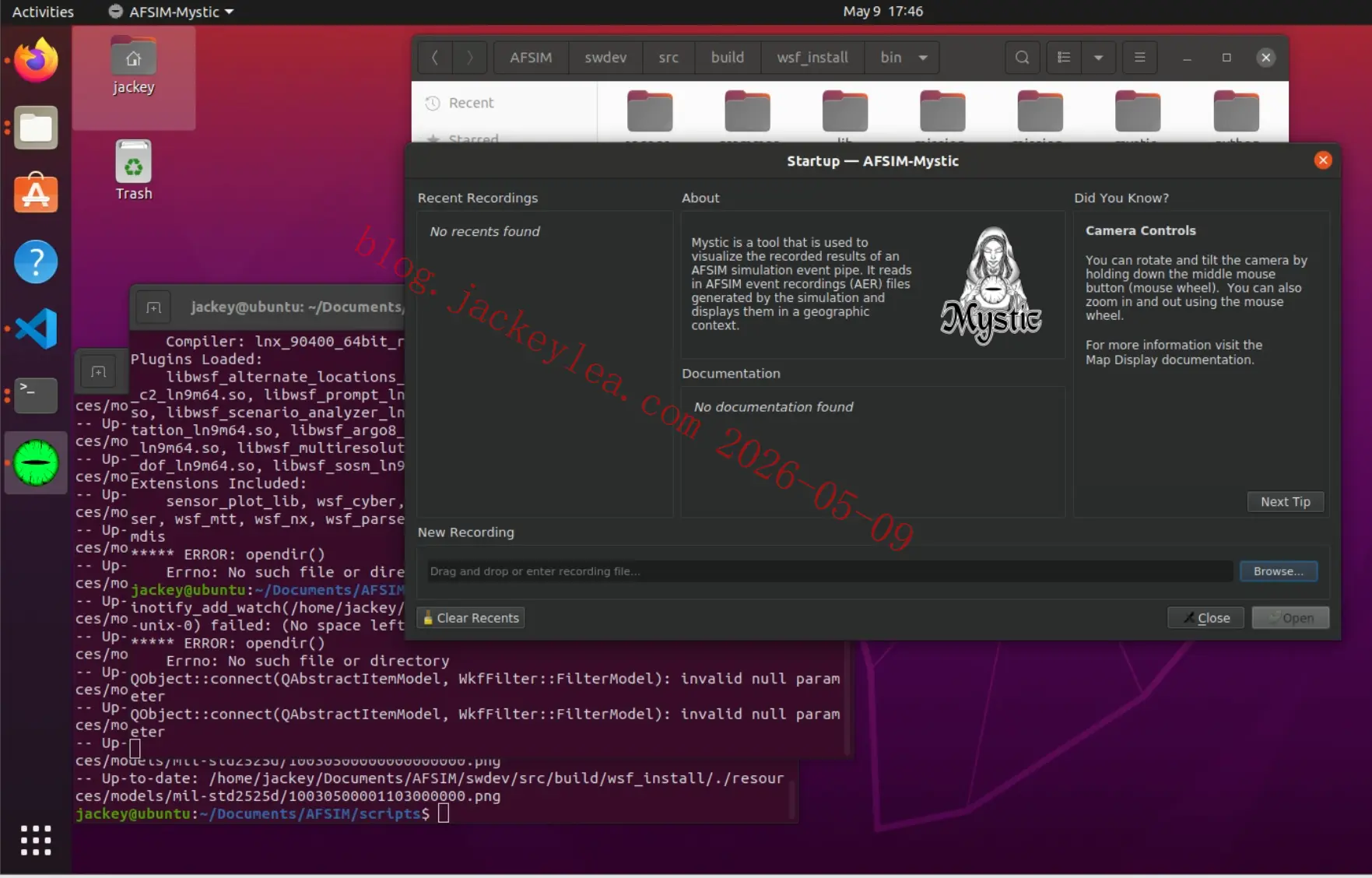
运行warlock
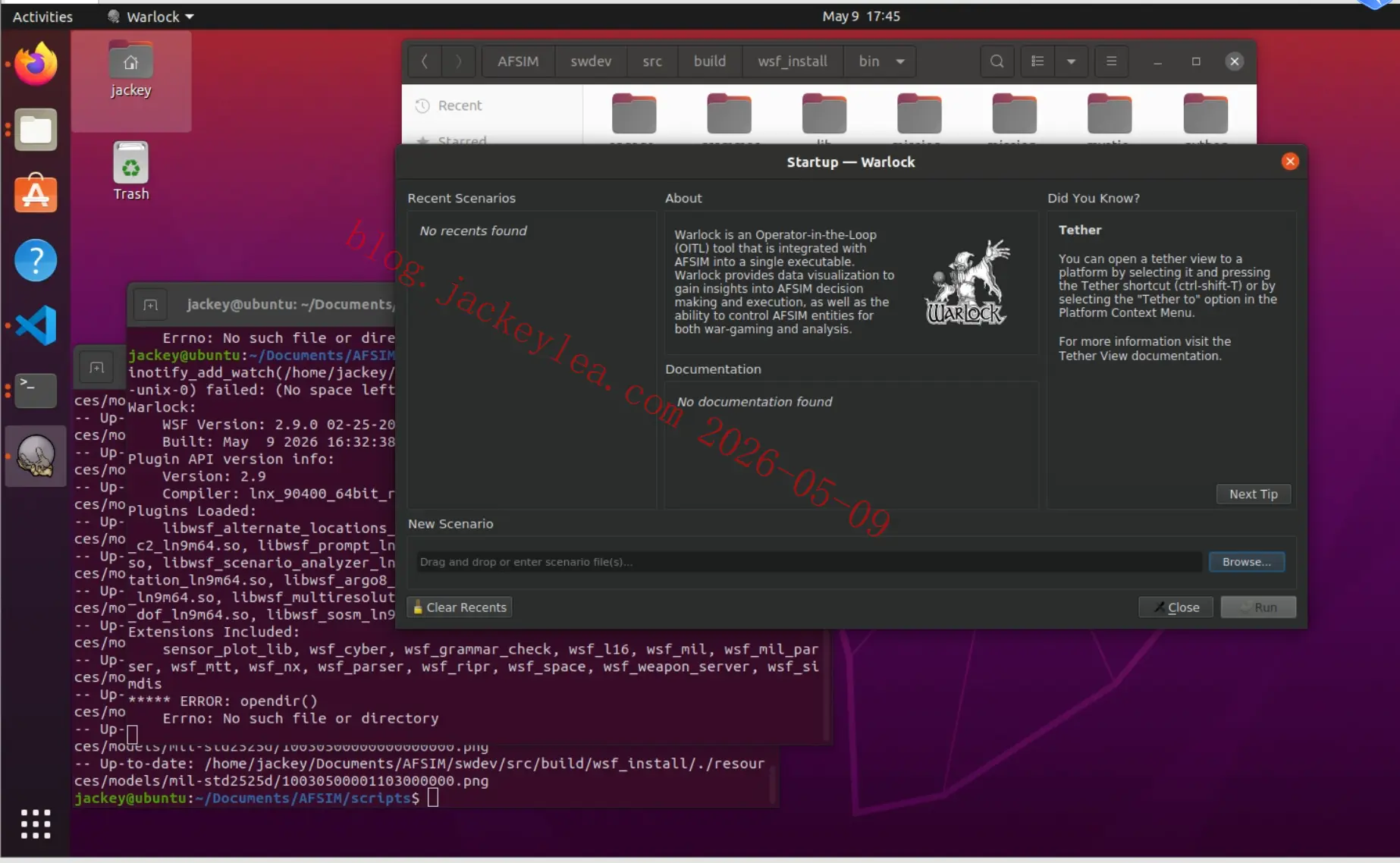
运行wizard
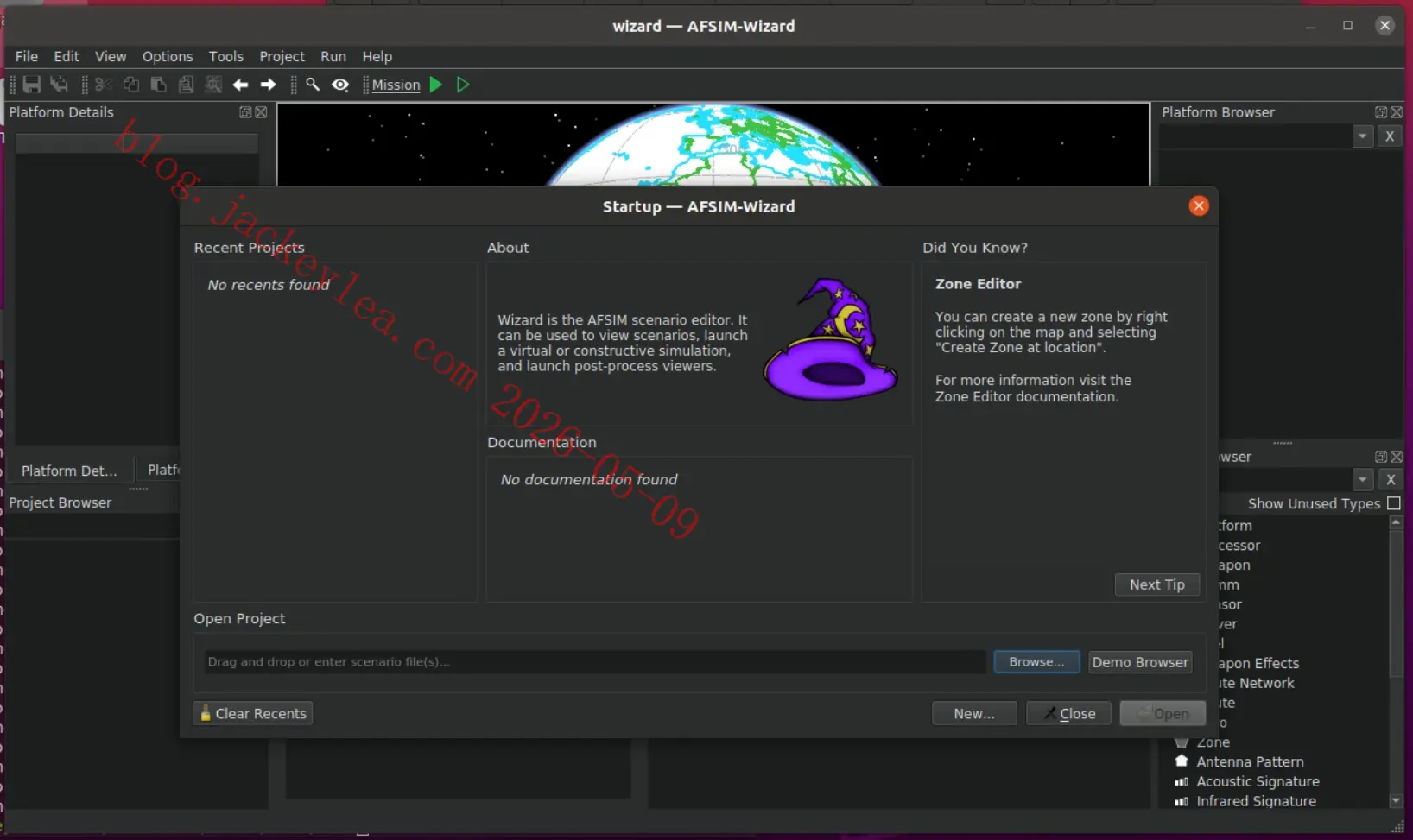
至此,编译流程结束,不知道使用会不会有问题。
技巧
脚本调试
如果shell脚步使用过程中出现问题,可以使用命令
1
2
| sh -n build.sh
sh -x build.sh
|
脚本编写
变量设置时尽量用"包起来,防止赋值字符串包含不需要的字符。
下载
提供源码、编译脚本、或者编译虚拟机环境。
Windows编译脚本
Linux下用脚本可以自动编译第三方库和AFSIM,参考Linux脚本写一个Windows自动编译脚本。
后续升级第三方库版本的时候简化编译流程。

